
People often like using Gutenberg-based solutions when creating their sites. They say it is “close to core” and it is “performant” like core. At the same time, the common wisdom is that you need to use a third party block collection because core is too limited. This presents a conundrum: by using a third party Gutenberg plugin run the risk of adding a lot of overhead and so self-sabotaged site performance. Here is another way to phrase this: can you add the features Gutenberg is missing yet still be performant like core? Or, can you have your cake and eat it too?
In this post I’m comparing ten third-party Gutenberg block plugins with WordPress core, specifically focusing on performance. While testing there were a few things that caught my attention that I think you’ll also find interesting.
Note, most people will want to jump to the results section.
Video Version
The video version mainly focuses on the results. The article has all of the details.
How Testing Was Conducted
I setup a test site on my local M2 Mac Mini using MAMP Pro. I’m using PHP 8.3.14 with a PHP memory limit of 256MB. The WordPress version is 6.8.3. I’m also using the Twenty Twenty-Five theme for every test run. The setup process goes like this:
- I modified that wp-config.php file on the test site and added these lines. The first line turns off cron jobs so that they wouldn’t run during testing. The other two lines disabled auto updates so as to disable update checks. The idea is to eliminate background processes that might interfere with testing.
define('DISABLE_WP_CRON', true);
define( 'AUTOMATIC_UPDATER_DISABLED', true );
define( 'WP_AUTO_UPDATE_CORE', false );- I want to make sure the starting point is the same for every test, so I install DevKit Pro on the site and run the Site Reset procedure. This feature of DevKit Pro removes any extra database tables, sets the core tables back to default, including the WP_OPTIONS table, cleans the file system so the contents of the WP-CONTENT folder are set back to default, and removes all content. We are left with a site with the Twenty Twenty-Five theme and DevKit Pro.
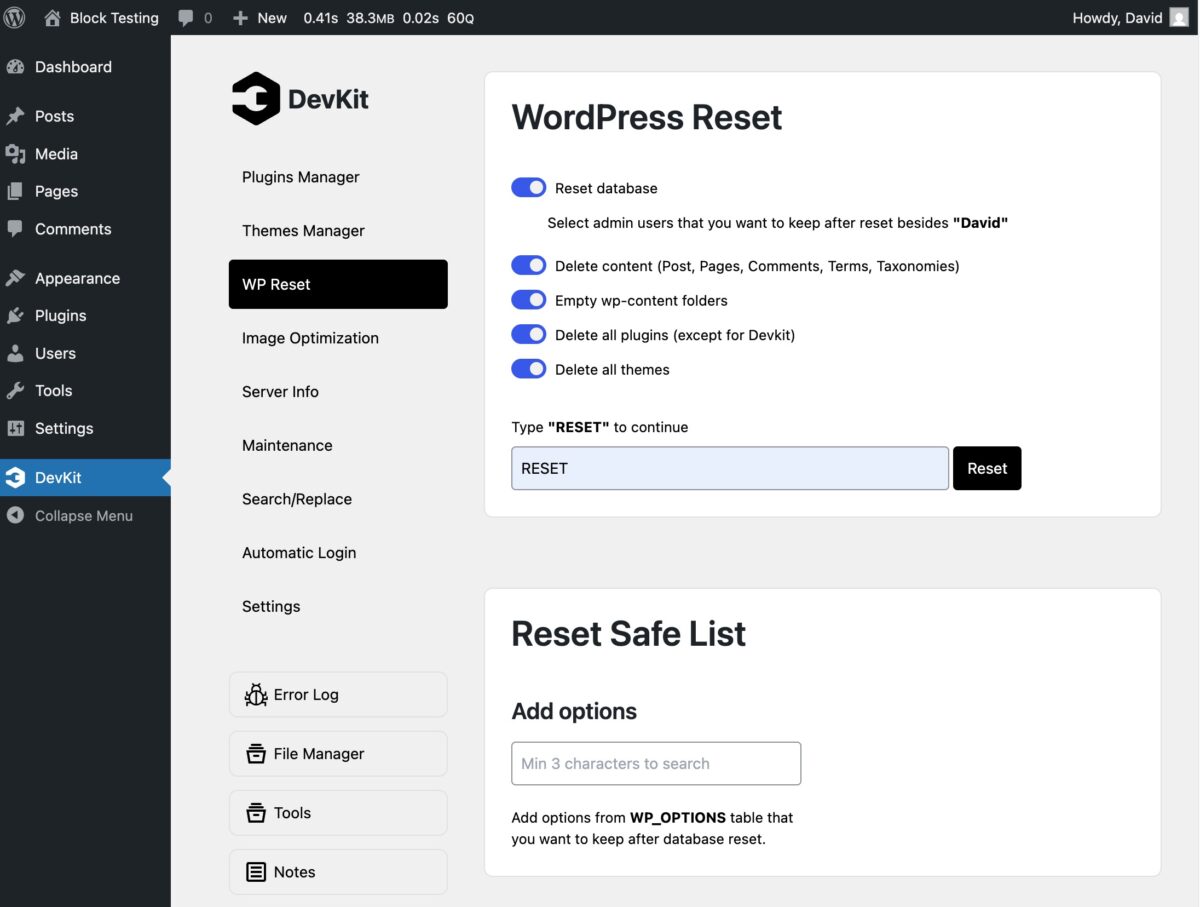
- I then deactivate and delete DevKit Pro. It does not leave anything behind. Note, that DevKit Pro doesn’t modify the wp-config.php file, so the changes I made to it were preserved for all tests.
- Query Monitor is installed to provide the statistics for the testing results.
- I then install the plugin being tested. Sometimes that is two plugins in the cases where I’m testing a pro version that requires a free version also. If the free version isn’t required then I looked at them separately.
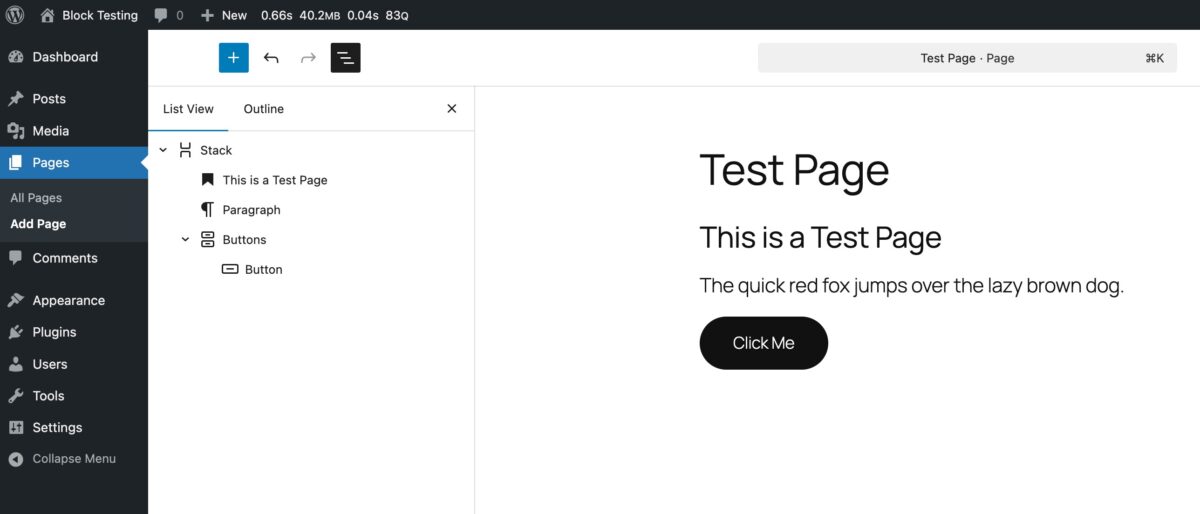
- The page being tested looks like this:
- I create a page called “Test Page”.
- I add a container block (section if it has one) from the block collection being tested.
- Inside the container I add an H2 heading with the text “This is a Test Page”.
- I added a block from the collection for text and set it to be a paragraph and add the sentence “The quick red fox jumps over the lazy brown dog.”
- I add a button from the block collection and give it the button text of “Click Me”.
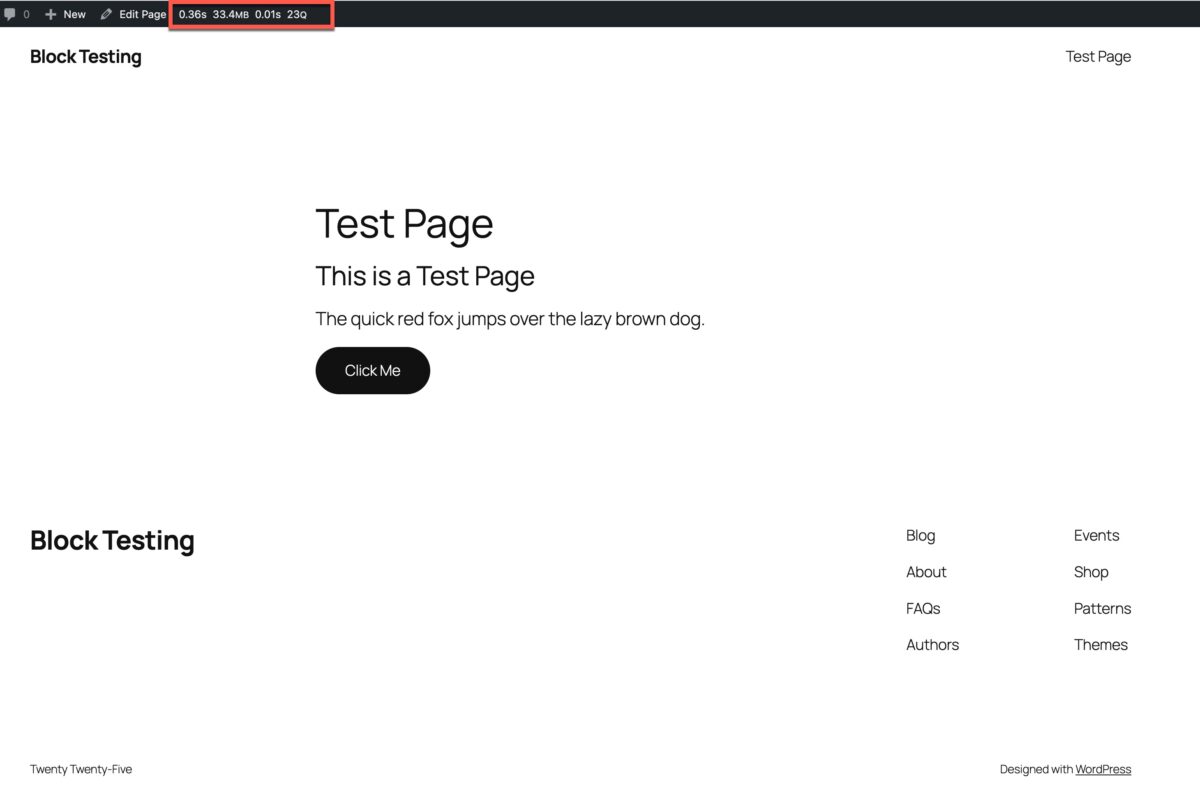
- I then go and view the page on the front-end, reload it a couple of times, and then record the “Peak Memory Usage” and the “Number of SQL Queries” that Query Monitor reports. Query Monitor provides four stats: the time to load the page, the peak memory usage, the time to run the database queries, and the number of queries. Two of the four stats remained the same: peak memory usage and number of database queries. Two of the stats varied slightly on each page load. I found that the time to load the page, for this simple test varied by a few hundredths of a second, or perhaps a few tenths of a second, but that to test that you would need to reload the page ten times, record the times, and then average them. This was time consuming and overall didn’t seem to provide very much information. None of the block collections tested produced pages that were super slow. Also, I skipped recording the time to run the database queries because it was always 0.01 or 0.02 hundredths of a second.
- Then I go view the page in an incognito window, open the dev tools, and get the number of DOM nodes on the page. This tells us the number of HTML elements. While the number of DOM nodes on our simple page won’t vary a ton, you can imagine that on longer and more complex pages these numbers will mushroom. You can get the number of elements by running this snippet in the JS console:
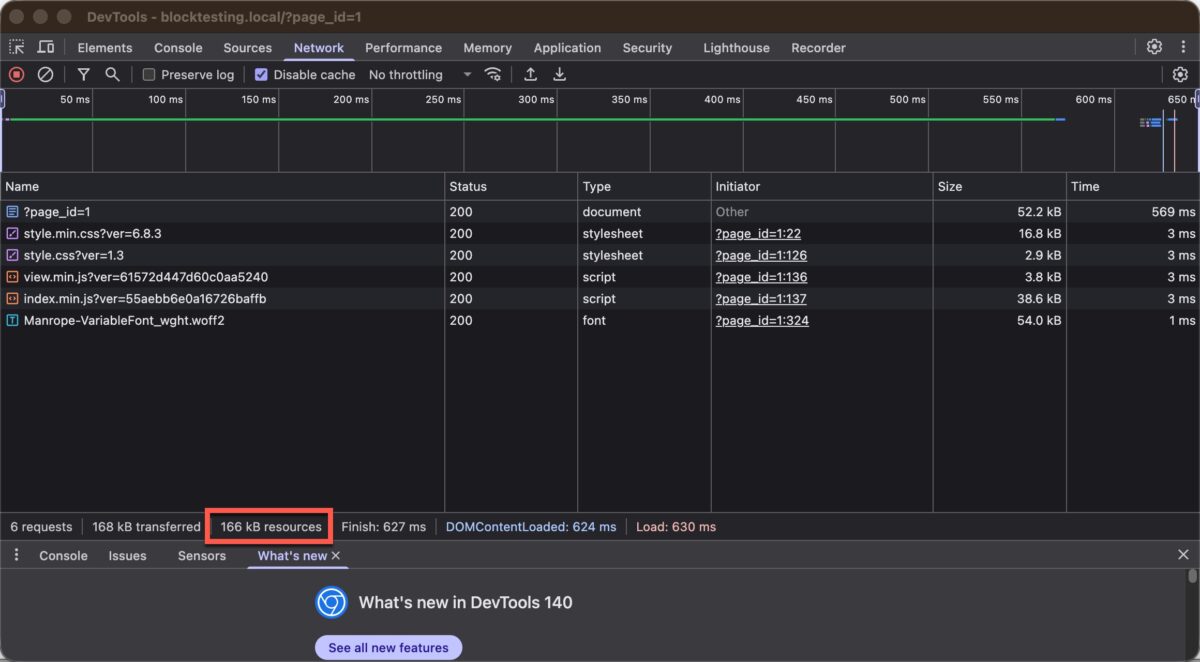
document.getElementsByTagName('*').length- Finally, I open the network tab in Chrome Dev Tools and reload the page to get the resources downloaded in KB.
Test Results
The Core Baseline
I started the process using just core Gutenberg blocks to get a baseline. These are the results for core:
| Memory Usage | DB Queries | DOM Nodes | Page Size | |
| Core Gutenberg | 33.4MB | 23 | 125 | 166kb |
My expectation is that 3rd party block collections will report higher totals than core, but if the number is lower then it would be a negative number. In any event, the core results are used as the baseline and all of the other tests report the difference so as to make it easier to see what each plugin adds. Note, should you want to try this test yourself, the base memory usage for a website is influenced by the PHP version and the amount of memory allocated to PHP, so your baseline number may be different.
Raw Results
OK, I’ve run all of the tests and here are the raw results.
Results as Difference from Core
To make it easier to see the impact of the block plugins, I figured the difference from core. Two things I noticed here are that the pro version uses addition memory and often adds more database queries. There is one oddity in that though, which is that Otter Blocks Free has more queries than the Pro version. The Query Monitor has the ability to see the queries and I noticed that there are 8 more queries in the free version getting individual options than in pro, which made me think that they optimized that in the pro version maybe by caching it or using the previous query.
While this table is interesting, I want to jump down to the next one, which just shows the pro version.
The Pro Versions Compared
I use dynamic data on all of my sites, so this is the data that is most interesting to me.
The table is sortable, so you can see the best result for each performance stat by sorting on that column.
Looking at Peak Memory Usage we see that there are a grouping of four which use the least amount of memory:
- GreenLight Blocks at 2.6MB
- Etch at 3MB
- GenerateBlocks Pro at 4.2MB
- GreenShift Blocks Pro at 4.3MB
Looking at the worst, the one using the most memory is Kadence Blocks Pro, which is in a class by itself. At 23MB it seems that it could probably be optimized.
In terms of the number of database queries, the best three plugins are:
- GreenLight Blocks with 1 extra query
- GreenShift Blocks Pro with 3 extra queries
- Kadence Blocks Pro with 3 extra queries
Looking at the worst, the one with the most queries, Spectra Blocks Pro with 29 queries is almost 3 times more than GenerateBlocks Pro and almost 10 times more than the best three.
Looking at DOM Nodes, the ones with the least number are:
- GenerateBlocks Pro with -4 less than core
- Etch with -3 less than core
- GreenLight Blocks Pro with -3 less than core
Nexter, Stackable, and Spectra were seen to add the most additional DOM elements.
Finally in terms of page size, the best are:
- GenerateBlocks Pro at -6 less KB than core
- GreenShift Blocks Pro at -5 less KB than core
- Etch at -4 less KB than core
- GreenLight Blocks at -4 less KB than core
The worst three are:
- Nexter blocks with 143KB more than core
- Stackable Blocks Pro with 100KB more than core
- Spectra Blocks Pro at 94KB more than core
The Results Ranked
I thought it would be interesting to rank the results giving the best in each category a 10, the next best a 9, and so on. Then add the scores. GreenLight, GenerateBlocks Pro, GreenShift Blocks Pro and Etch are clear winners.
Discussion and Conclusions
At the start of this post I asked the question if it is possible to use a Gutenberg addon plugin and still preserve the performance advantage that core offers. We we see that in this rare case, it is possible to have your cake and eat it too. GreenLight, GenerateBlocks Pro, GreenShift Blocks Pro, and Etch are all performant options.